Why Your Computer Keeps Freezing and What to Check Before Resetting It?

You are typing an email, editing a spreadsheet, or browsing the web when your mouse pointer stutters and halts. The clock in your system tray stops updating, keystrokes do nothing, and the entire operating system locks up. After waiting several minutes with no response, you are forced to hold down the physical power button to … Read more

Cloud Files Are Not Syncing: What to Check Before Downloading Everything Again

You edit a document on your laptop, save it to your synchronized cloud folder, and open your phone or work computer only to find the older version staring back at you. Or worse, your sync client sits indefinitely on “Processing changes” or displays an ambiguous warning badge without updating your files. When cloud synchronization stalls, … Read more

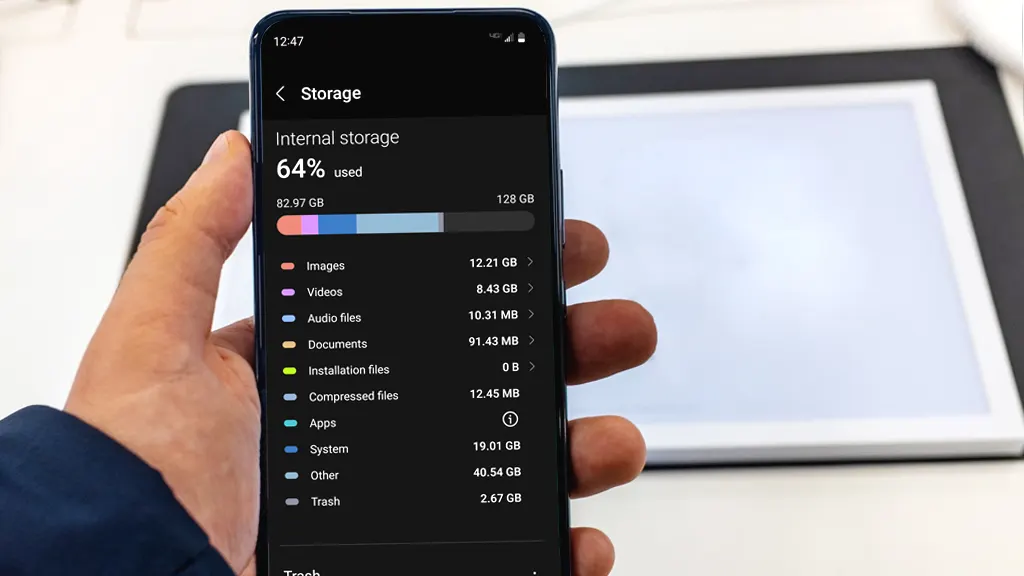
Why Your Phone Storage Keeps Filling Up: How to Find What Is Taking Space?

You delete twenty photos, remove an app you haven’t opened in months, and free up two gigabytes of space. A few days later, the low-storage warning flashes on your screen again. You cannot download a system update, your camera refuses to snap a picture, and messaging apps stop loading incoming videos. Phone storage rarely fills … Read more

Why Your Windows or Mac Computer Is Running Slowly: What to Check Before Reinstalling Anything?

hy Your Windows or Mac Computer Is Running Slowly: What to Check Before Reinstalling Anything - Finauraly Win featured cover

When your laptop takes three minutes to launch a browser or freezes every time you switch between open apps, wiping the storage drive and starting fresh feels like the only viable option. We have all seen the nuclear advice online: “Back up your files and reinstall the OS.” While a clean install does give you … Read more

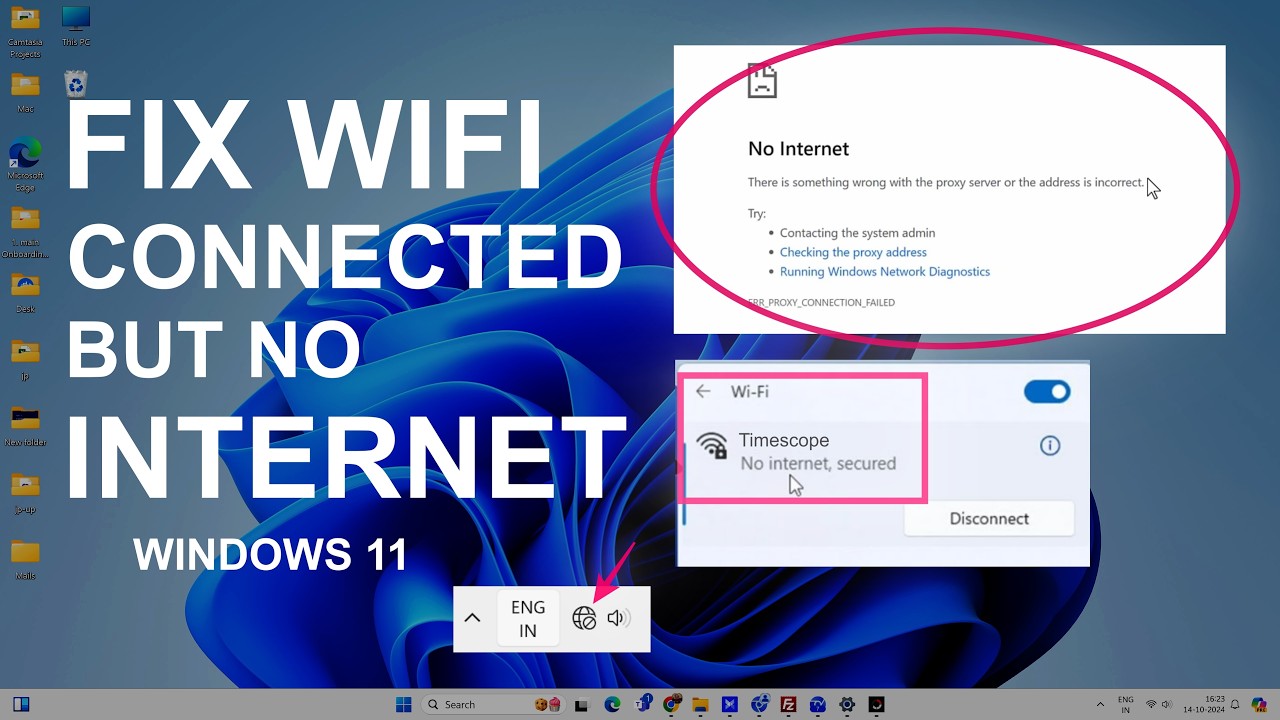
How to Fix Windows 11 No Internet Access When Wi-Fi Is Connected?

Windows 11 can sometimes show that your computer is connected to Wi-Fi while websites, apps, and other online services still cannot reach the internet. The Wi-Fi connection itself may appear normal, but Windows reports “No Internet”, “No Internet access”, or a similar status. This does not always mean that your Wi-Fi password or router is … Read more

How to Enable and Configure Two-Factor Authentication (2FA) Across Essential Apps?

Two-factor authentication (2FA) adds a vital second layer of security to your online accounts. Instead of relying solely on a password—which can be stolen, leaked, or guessed—2FA requires two separate pieces of evidence to verify your identity. Usually, this combines something you know (your password) with something you have (an authenticator app code, physical security … Read more

How to Fix File Upload Failures in Google Drive and OneDrive?

File upload failures in cloud storage services like Google Drive and Microsoft OneDrive can disrupt your workflow, prevent critical backups, and cause unexpected data sync errors. These issues usually stem from local network instability, browser cache corruption, storage quota limits, or background software conflicts. Whether you are using web interfaces or desktop synchronization clients, this … Read more

How to Fix 100% Disk Usage in Windows Task Manager: Step-by-Step Guide?

Experiencing severe system slowdowns due to your storage drive maxing out can make your computer almost unusable. When Task Manager displays solid high utilization, simple tasks like opening a browser or launching an application lag significantly. This issue commonly stems from background system services, corrupted system files, outdated storage drivers, or virtual memory misconfigurations. Solid … Read more

How to Fix Telegram Not Downloading Media or Photos in Background?

When Telegram stops downloading photos, videos, or files in the background, you are forced to keep the app open and active to complete downloads. This issue typically occurs when background data access is limited, aggressive battery optimization kills the app process, or the automatic media download settings within Telegram are misconfigured. This guide provides step-by-step … Read more

How to Repair Corrupted System Files using SFC and DISM Commands in Windows?

Corrupted system files are a common cause of unexpected Windows crashes, blue screens, missing DLL errors, and sluggish performance. These files usually break due to improper system shutdowns, failed software updates, hardware failures, or malware infections. When essential core files become damaged, Windows loses the exact instructions needed to run specific services smoothly. Fixing these … Read more