Why Your Computer Keeps Freezing and What to Check Before Resetting It?

You are typing an email, editing a spreadsheet, or browsing the web when your mouse pointer stutters and halts. The clock in your system tray stops updating, keystrokes do nothing, and the entire operating system locks up. After waiting several minutes with no response, you are forced to hold down the physical power button to … Read more
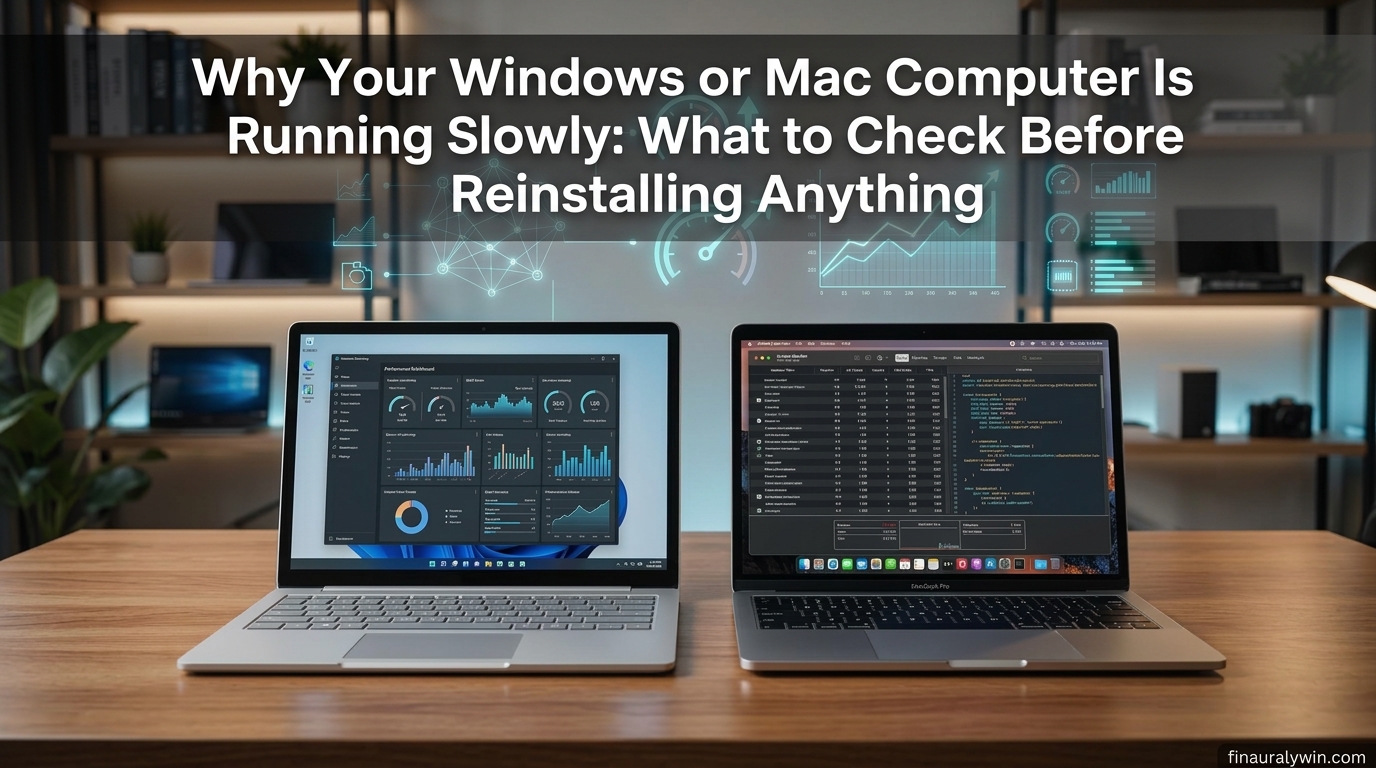
Why Your Windows or Mac Computer Is Running Slowly: What to Check Before Reinstalling Anything?

hy Your Windows or Mac Computer Is Running Slowly: What to Check Before Reinstalling Anything - Finauraly Win featured cover

When your laptop takes three minutes to launch a browser or freezes every time you switch between open apps, wiping the storage drive and starting fresh feels like the only viable option. We have all seen the nuclear advice online: “Back up your files and reinstall the OS.” While a clean install does give you … Read more

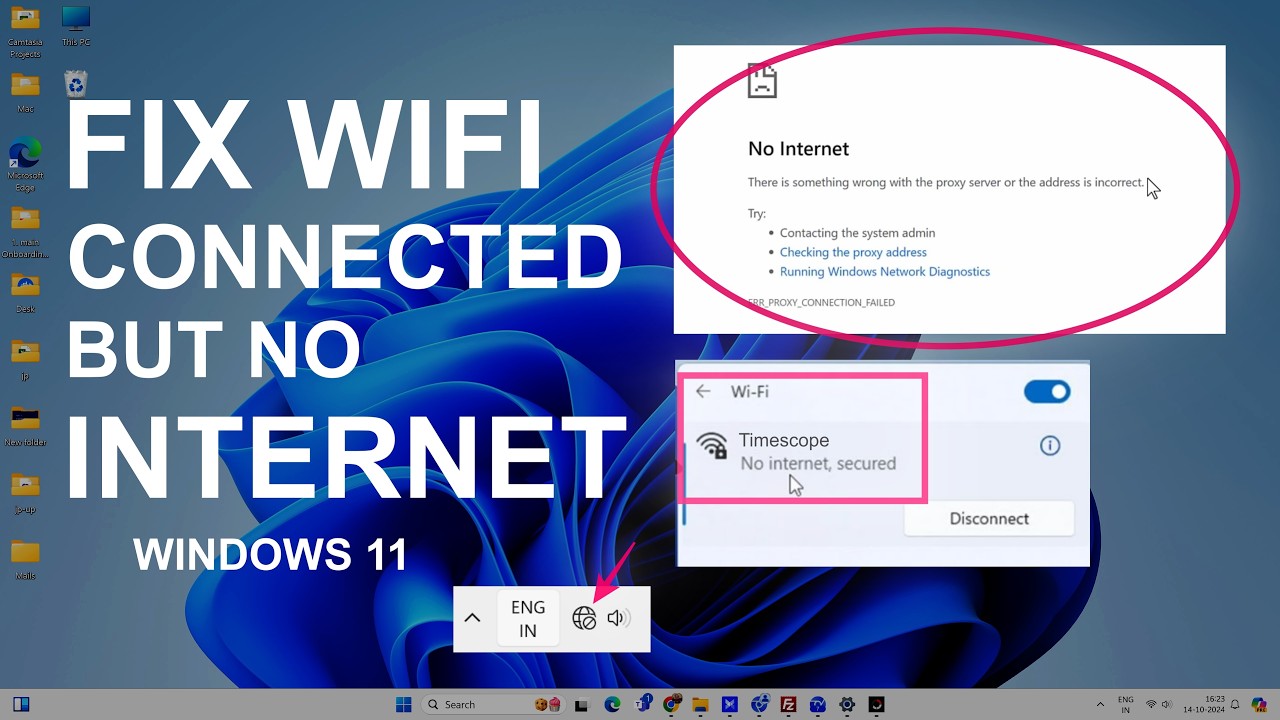
How to Fix Windows 11 No Internet Access When Wi-Fi Is Connected?

Windows 11 can sometimes show that your computer is connected to Wi-Fi while websites, apps, and other online services still cannot reach the internet. The Wi-Fi connection itself may appear normal, but Windows reports “No Internet”, “No Internet access”, or a similar status. This does not always mean that your Wi-Fi password or router is … Read more

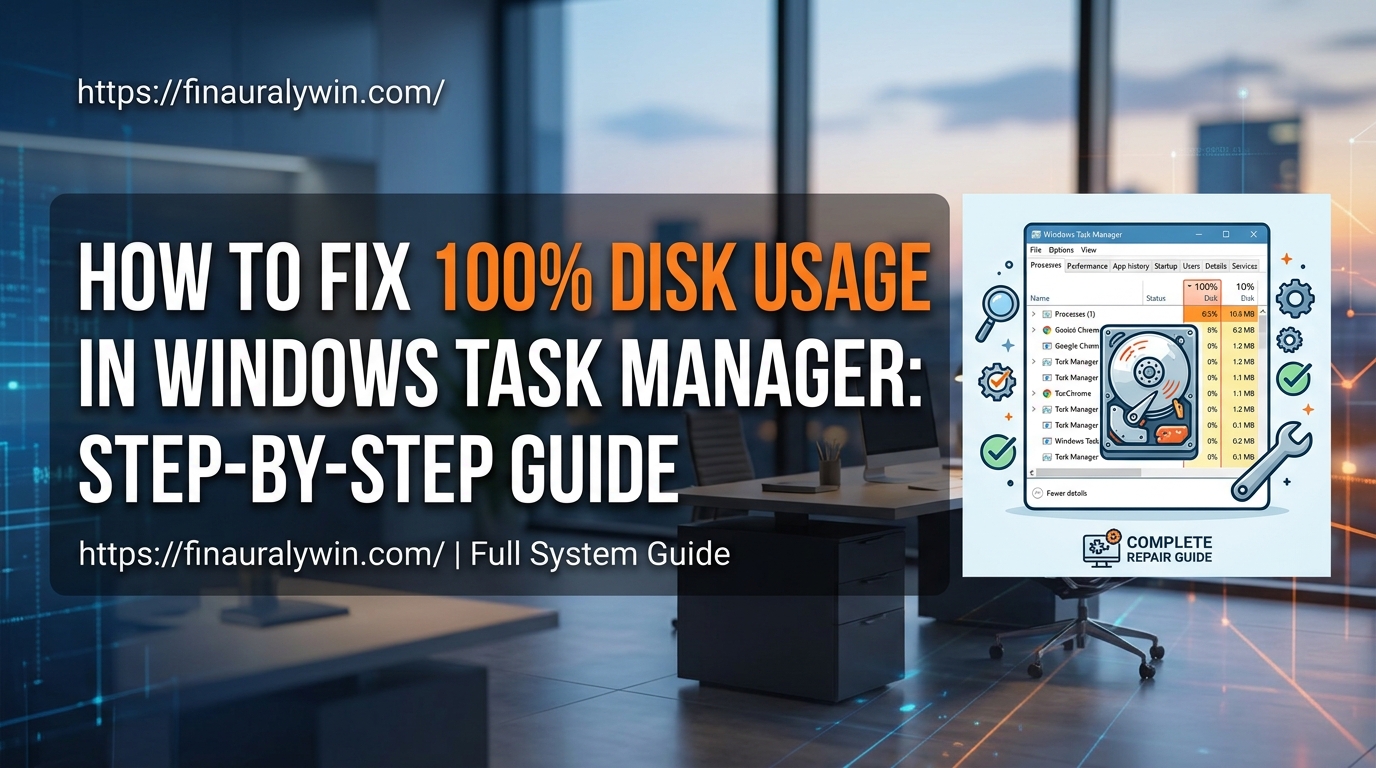
How to Fix 100% Disk Usage in Windows Task Manager: Step-by-Step Guide?

Experiencing severe system slowdowns due to your storage drive maxing out can make your computer almost unusable. When Task Manager displays solid high utilization, simple tasks like opening a browser or launching an application lag significantly. This issue commonly stems from background system services, corrupted system files, outdated storage drivers, or virtual memory misconfigurations. Solid … Read more

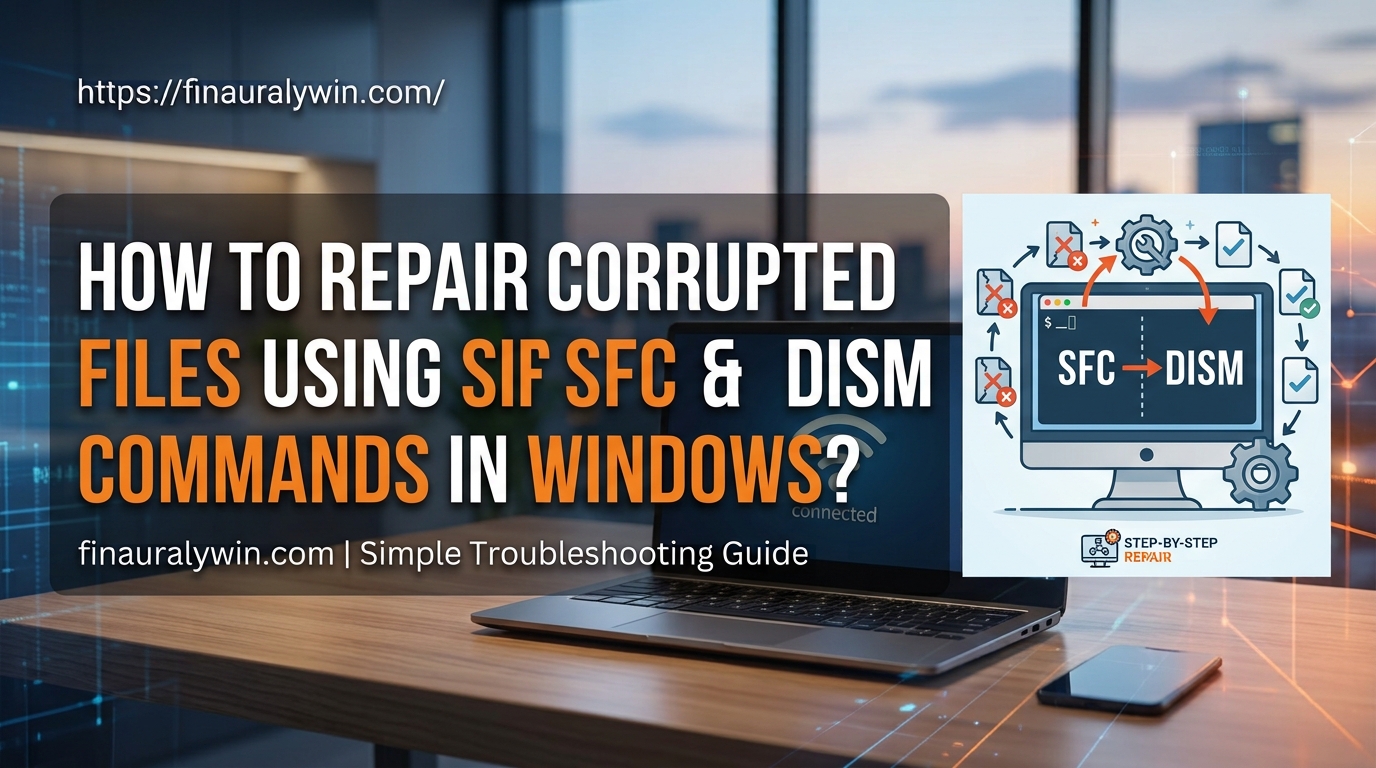
How to Repair Corrupted System Files using SFC and DISM Commands in Windows?

Corrupted system files are a common cause of unexpected Windows crashes, blue screens, missing DLL errors, and sluggish performance. These files usually break due to improper system shutdowns, failed software updates, hardware failures, or malware infections. When essential core files become damaged, Windows loses the exact instructions needed to run specific services smoothly. Fixing these … Read more

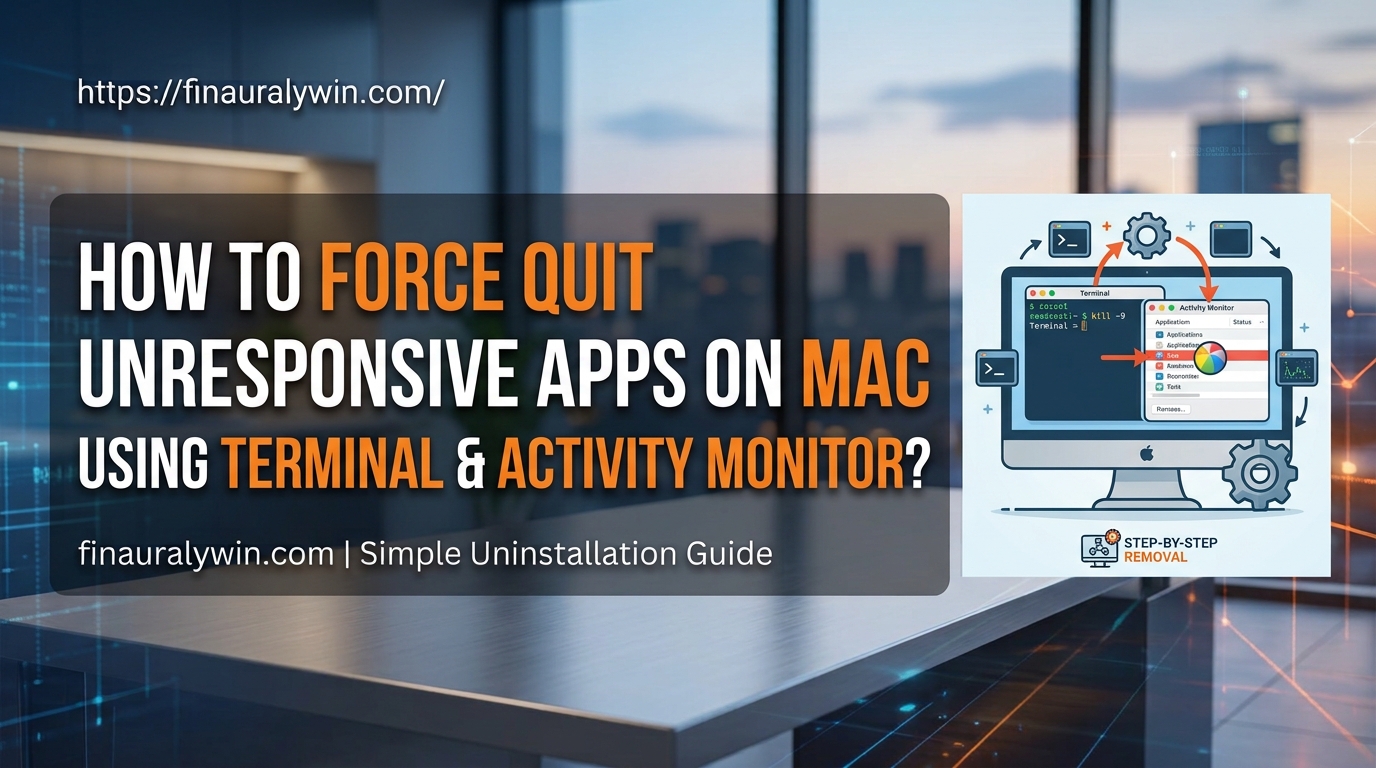
How to Force Quit Unresponsive Apps on macOS Using Terminal and Activity Monitor?

When an application freezes on macOS, it displays the dreaded spinning beachball and stops responding to clicks or keyboard shortcuts. This usually occurs due to memory leaks, corrupted preference files, or background threads hanging while waiting for system resources. Unresponsive software degrades system performance and prevents clean shutdowns. This guide provides practical, technical methods to … Read more

How to Fix Bluetooth Not Discovering Devices on Windows 11?

When Windows 11 fails to discover nearby Bluetooth devices, a communication breakdown occurs between your system software and the physical wireless adapter. This issue typically stems from corrupted device drivers, misconfigured background services, or power management conflicts. By systematically applying targeted operating system fixes, you can restore full wireless pairing capabilities to your PC. Quick … Read more

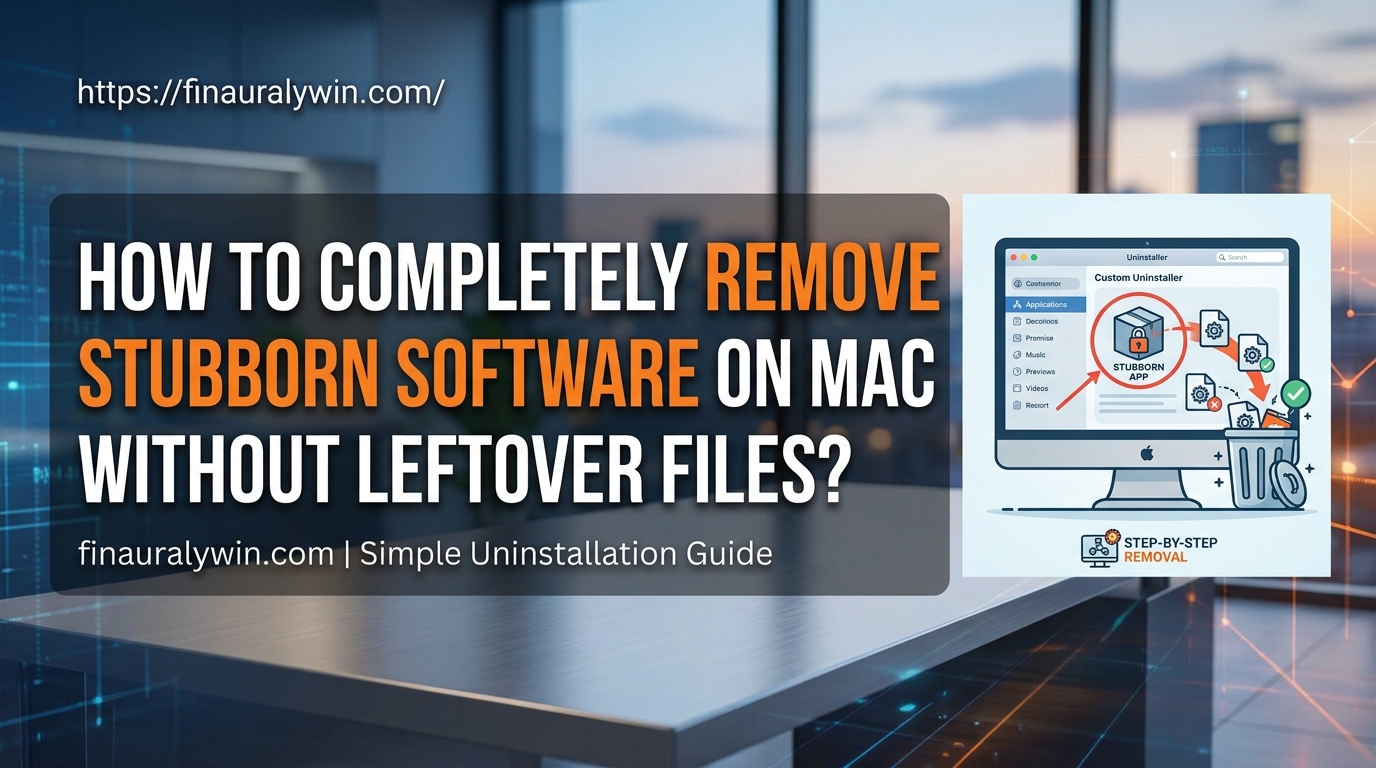
How to Completely Remove Stubborn Software on Mac Without Leftover Files?

When you drag an application to the Trash on macOS, it often feels like the job is done. However, standard uninstallations usually leave behind hidden library files, caches, preferences, and background agents. Over time, these orphaned items clutter your storage and cause system slowdowns or software conflicts. Stubborn applications—such as persistent security tools, rogue extensions, … Read more

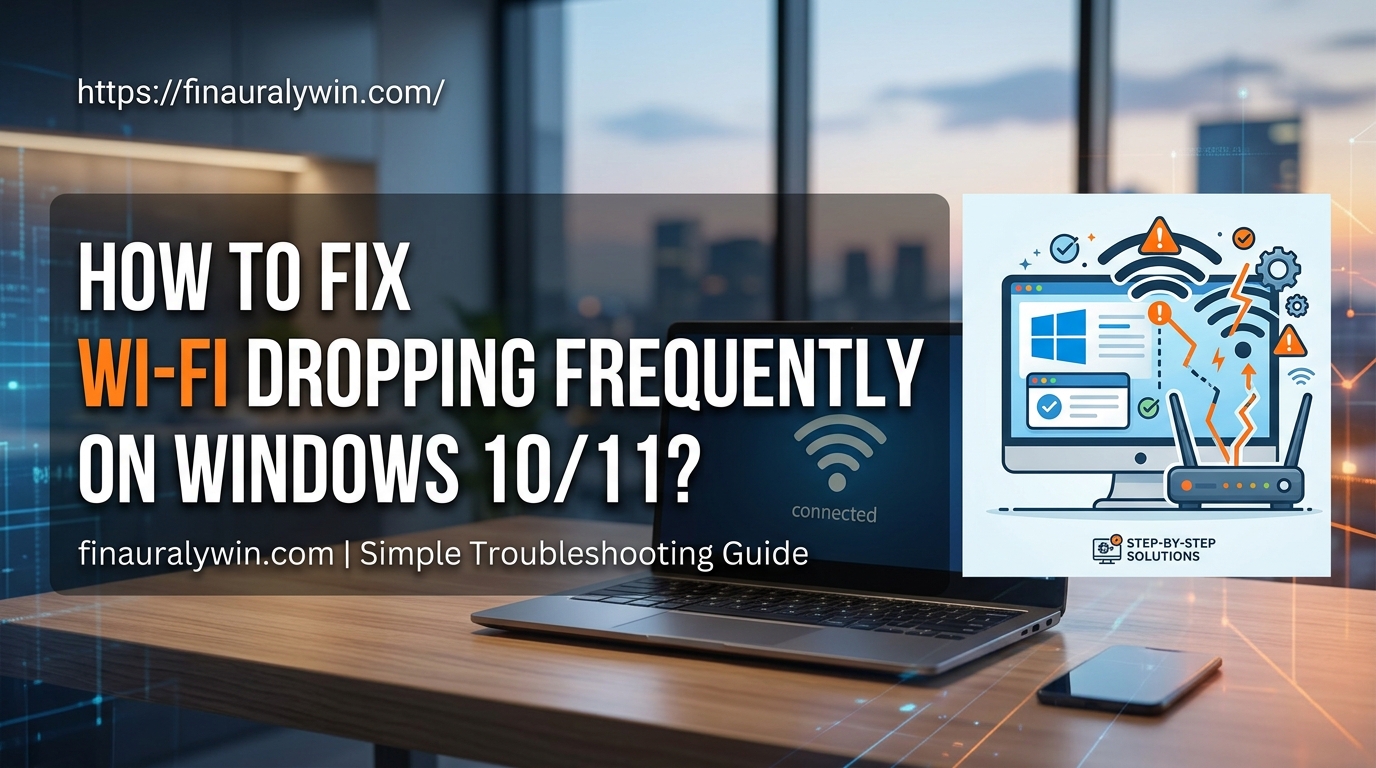
How to Fix Wi-Fi Dropping Frequently on Windows 10/11?

Experiencing frequent Wi-Fi disconnects can interrupt work, video calls, and online streaming. This issue usually occurs due to outdated network drivers, aggressive power management settings, conflicting network configurations, or misconfigured router bands. When Windows automatically turns off your network adapter to save power or when your driver encounters a minor bug, your connection drops without … Read more

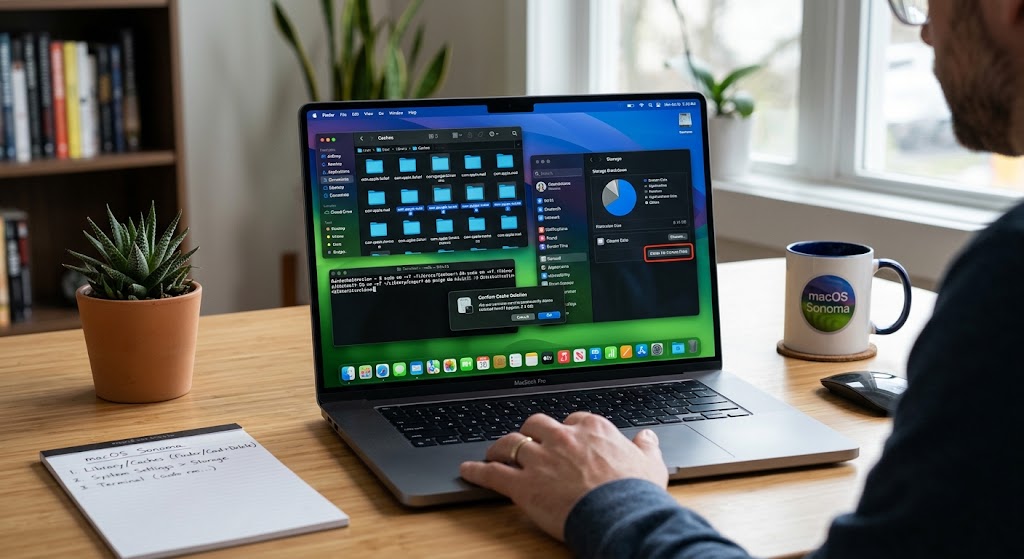
How to Clear System Cache and Temporary Files on macOS Sonoma?

Is your Mac running slower than usual or showing a “Storage Full” warning? Over time, macOS Sonoma accumulates gigabytes of system cache, app data, and temporary files. While these files help apps load faster initially, outdated cache can become corrupted, waste valuable space, and degrade performance. In this comprehensive guide, you will learn how to … Read more