Why Your Phone Storage Keeps Filling Up: How to Find What Is Taking Space?
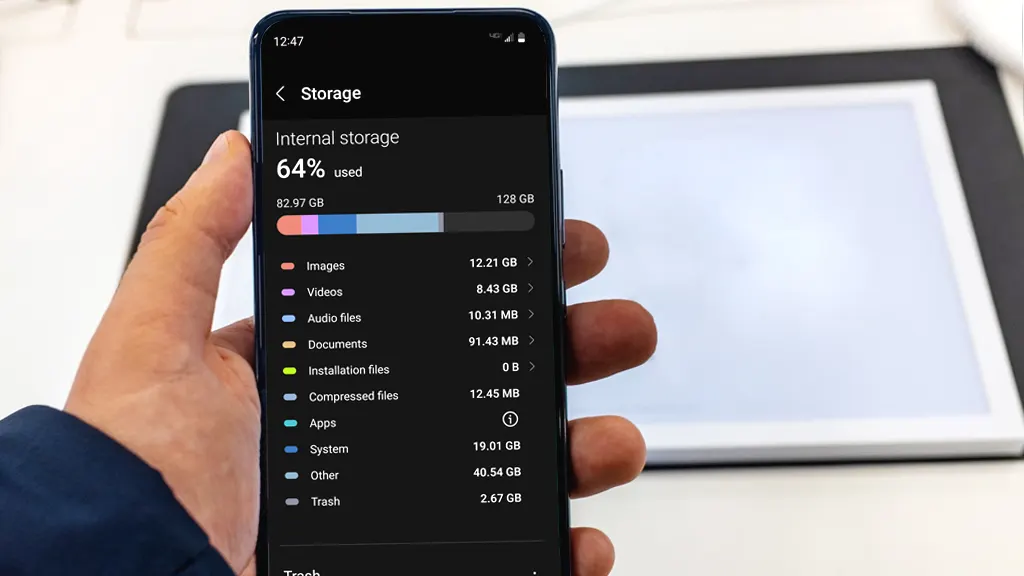
You delete twenty photos, remove an app you haven’t opened in months, and free up two gigabytes of space. A few days later, the low-storage warning flashes on your screen again. You cannot download a system update, your camera refuses to snap a picture, and messaging apps stop loading incoming videos. Phone storage rarely fills … Read more


How to Enable and Configure Two-Factor Authentication (2FA) Across Essential Apps?

Two-factor authentication (2FA) adds a vital second layer of security to your online accounts. Instead of relying solely on a password—which can be stolen, leaked, or guessed—2FA requires two separate pieces of evidence to verify your identity. Usually, this combines something you know (your password) with something you have (an authenticator app code, physical security … Read more

How to Fix Telegram Not Downloading Media or Photos in Background?

When Telegram stops downloading photos, videos, or files in the background, you are forced to keep the app open and active to complete downloads. This issue typically occurs when background data access is limited, aggressive battery optimization kills the app process, or the automatic media download settings within Telegram are misconfigured. This guide provides step-by-step … Read more

How to Troubleshoot Bluetooth Pairing Errors on iOS and Android Devices?

Bluetooth connectivity issues can prevent wireless headphones, smartwatches, and car infotainment systems from linking to your smartphone. When Bluetooth pairing fails, your device may display errors like “Connection Unsuccessful,” fail to discover nearby devices, or drop active wireless connections entirely. These disruptions stem from corrupted pairing keys, radio frequency interference, outdated system software, or misconfigured … Read more

How to Back Up and Transfer WhatsApp Chats Between Phone Operating Systems?

Switching between Android and iOS used to mean leaving your entire WhatsApp message history behind. Because Android stores chat backups on Google Drive while iPhone uses Apple iCloud, direct cloud restores across ecosystems are incompatible. WhatsApp now includes native data migration tools that transfer text messages, media, voice notes, and group chats safely across operating … Read more

How to Fix “App Not Installed” Package Error on Android?

Encountering the “App Not Installed” or “App Not Installed as Package Appears to be Invalid” error can prevent you from sideloading essential Android applications (APKs). This issue occurs when the Android Package Installer fails to parse, verify, or extract the APK file. Common triggers include corrupted APK downloads, strict Google Play Protect blocks, OS architecture … Read more

How to Resolve Gmail Sync Issues on Mobile Devices (Android & iOS)?

Missing an important email due to Gmail sync errors can disrupt work and daily communication. When Gmail stops syncing on Android or iOS, emails fail to send, notifications do not trigger, and the inbox remains stuck on outdated threads. These issues typically stem from network interruptions, outdated software, misconfigured sync settings, or corrupted background caches. … Read more

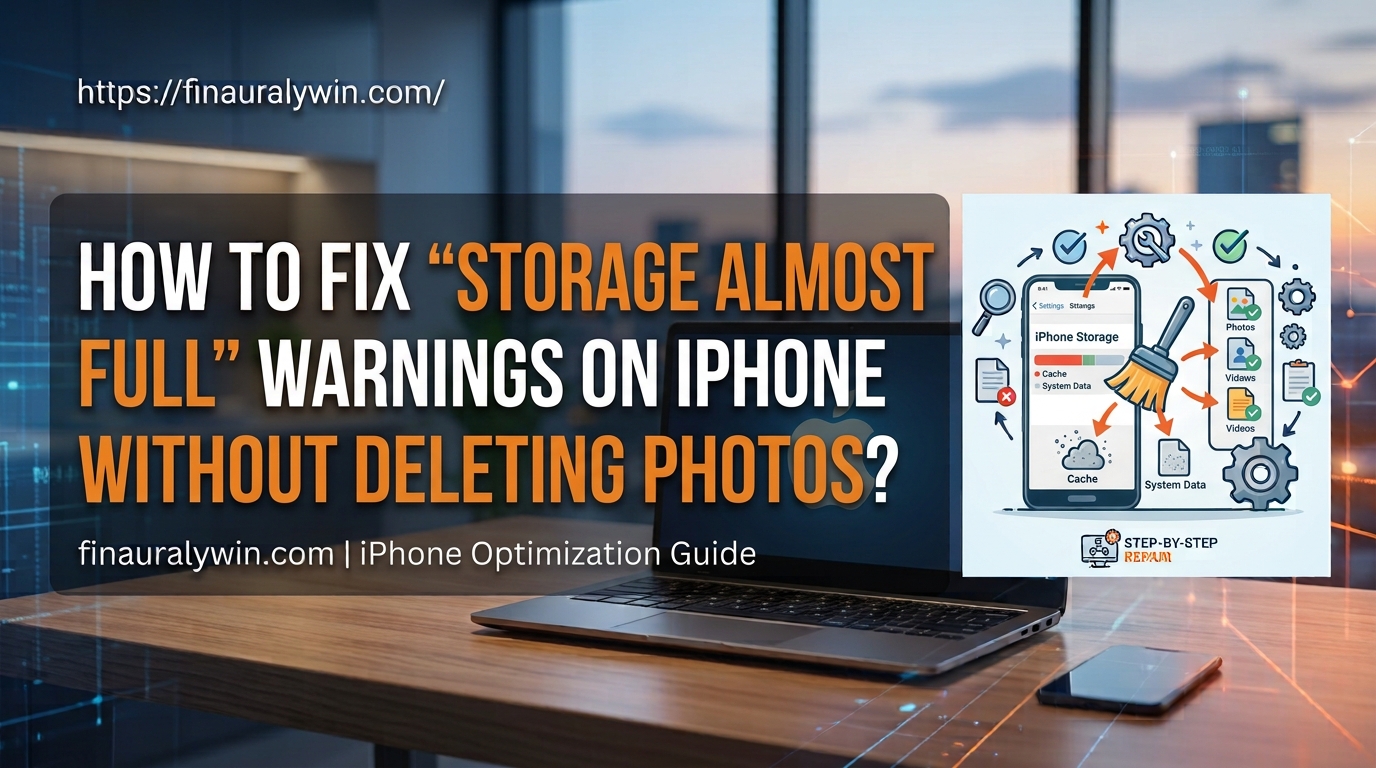
How to Fix “Storage Almost Full” Warnings on iPhone Without Deleting Photos?

Running out of storage on an iPhone is a common headache, especially when you are greeted by the persistent “Storage Almost Full” system alert. Photos and videos often occupy a major portion of local storage, but deleting precious memories is rarely the ideal solution. iOS accumulates gigabytes of unseen caches, offline media, app data, and … Read more

How to Clear App Cache and Data on Android Without Losing Personal Files?

Clearing app cache and data is one of the most effective ways to fix crashing apps, free up internal storage, and clear temporary glitches on Android. However, knowing the difference between Cache and Data is crucial so you don’t accidentally erase your photos, downloads, or custom settings. App Cache vs. App Data: What’s the Difference? … Read more

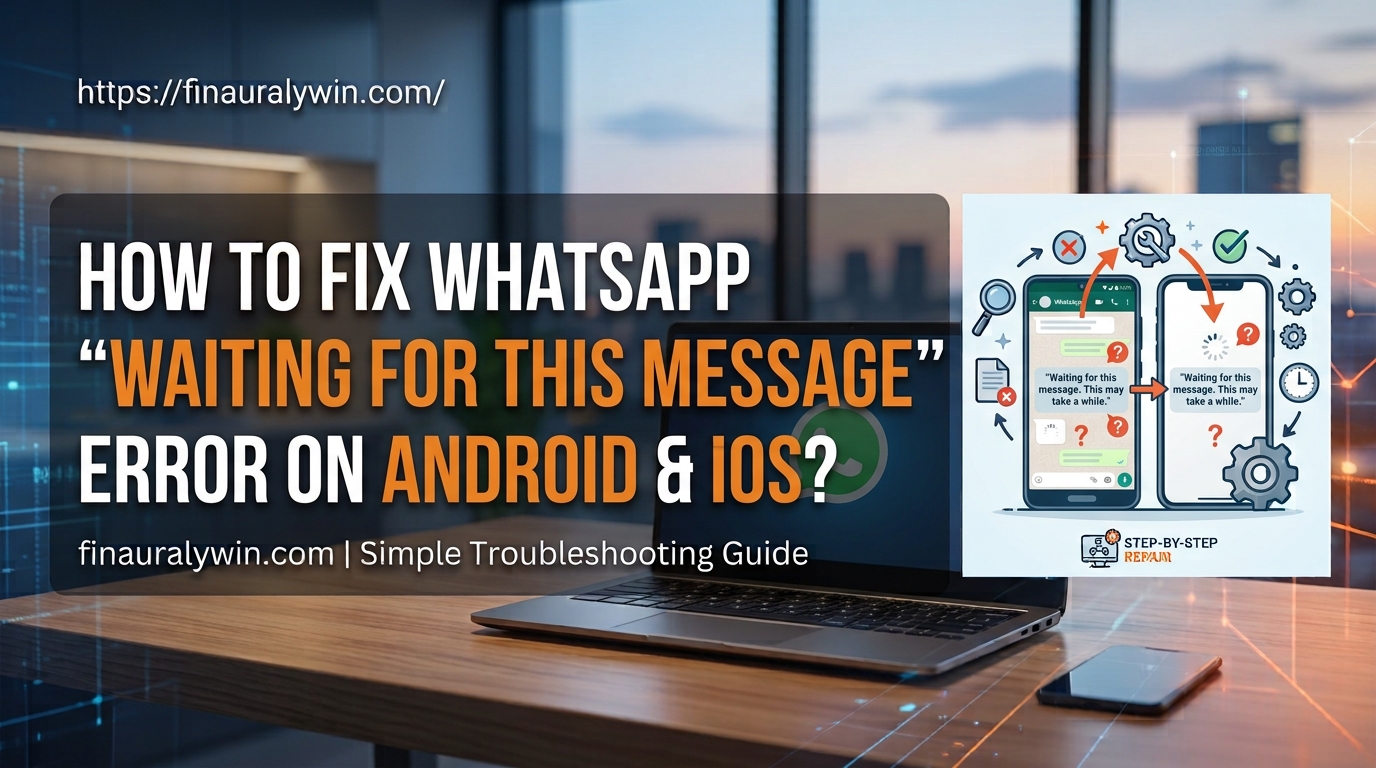
How to Fix WhatsApp “Waiting for this Message” Error on Android and iOS?

Seeing the “Waiting for this message. This may take a while” error in WhatsApp can interrupt important conversations. This message appears when end-to-end encryption delays message delivery between devices. WhatsApp uses end-to-end encryption to protect every conversation. When you or the sender reinstall WhatsApp, switch phones, or link a new device, security keys must regenerate. … Read more